
Virtual Love Jar: Build a Click-to-Read Random Note for Your Couple
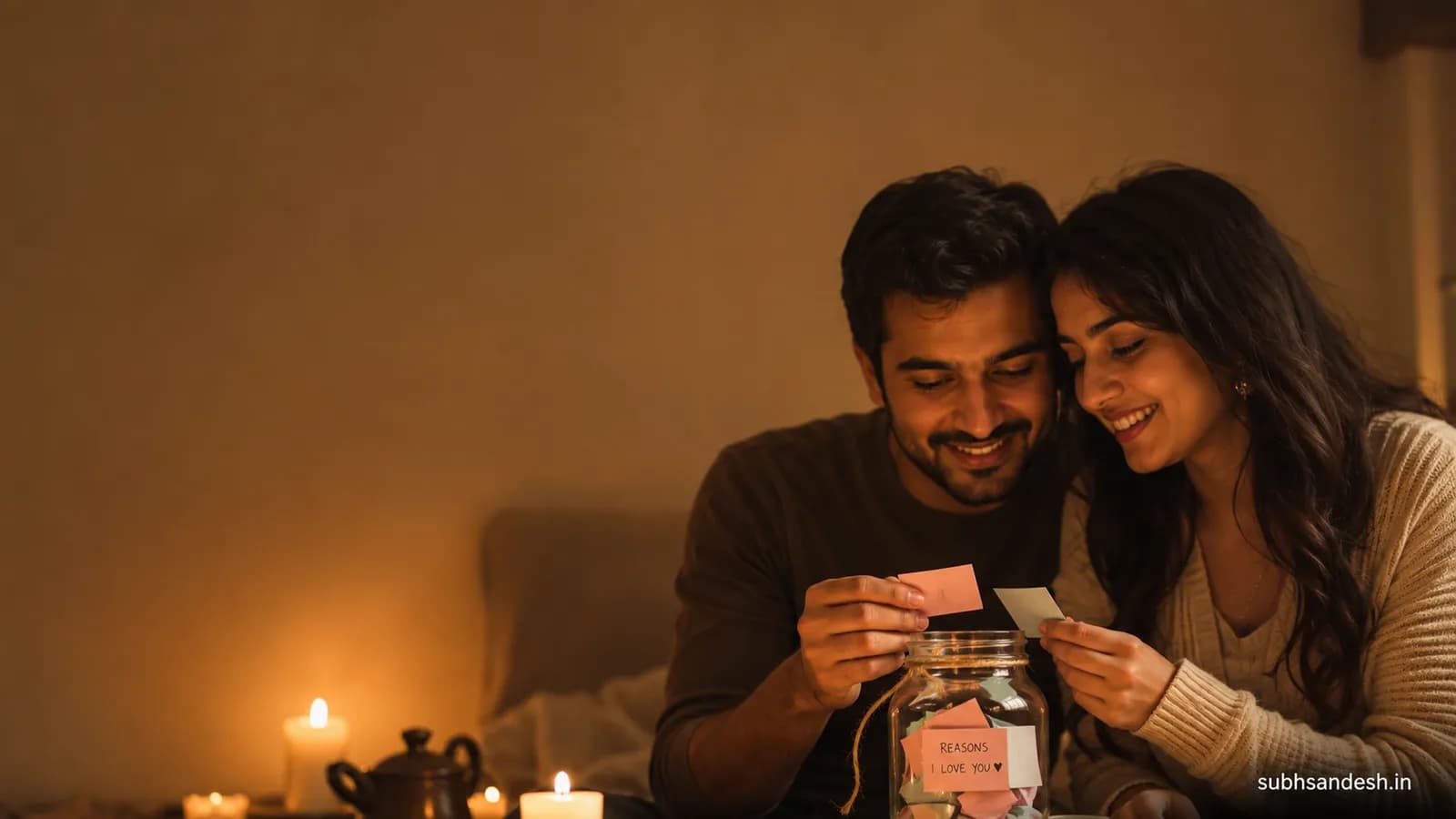
Create a charming virtual love jar that shows a random 'click to read' note for your partner. This guide walks you step-by-step to build, style and share a personalized love-jar page on SubhSandesh in under 15 minutes.
Make this into a page you can send
Photos, a message, music and a ready-to-share link — in a couple of minutes.
Create nowor browse all occasionsKey takeaways
- • You can build a mobile-friendly virtual love jar that reveals a random 'click to read' note for your partner in under 15 minutes using SubhSandesh.
- • Great notes mix short daily gratitudes, shared memories, tiny promises and private jokes — aim for 30–60 entries for best variety.
- • Design choices (fonts, colors, music, and an opening animation) shape the emotional tone: playful, nostalgic, or dramatic.
- • Deliver the surprise as a private link, schedule sharing for a special moment, or hide the link in a scavenger-hunt clue to make the reveal unforgettable.
On this page
Yes—you can build a charming virtual love jar that reveals a random "click to read" note for your partner, and you can do it without code. In this guide you’ll learn exactly how to design, populate, style and share a "virtual love jar note builder (click to read random couple reason)" page that feels personal and surprising.
Why a virtual love jar works for couples
A physical jar of notes is tangible and sweet. A virtual love jar keeps that intimacy but adds three practical advantages: it’s always with them on their phone, it’s easy to refresh, and it can reveal a random note with a single click—perfect for daily little surprises when you’re apart.
A love jar doesn’t need long paragraphs. Short, specific notes land harder: "The way you giggle when you mispronounce a word," "Our second concert in the rain," or "I’ll make pancakes next Sunday." Those tiny moments feel like gifts.
Emotional clarity: small beats, big effect
A random-note reveal taps into anticipation. The click is a tiny ritual. For long-distance relationships, that ritual becomes a connector—something small to look forward to together every day.
Build a virtual love jar note builder click to read random couple reason
Below is a practical, non-technical walkthrough to create your own clickable, random-note love jar page. This section includes step-by-step instructions you can follow right now and a short checklist for design choices.
What you’ll need before you start
- A list of notes (see example bank below).
- 5–10 photos you both like (the page can be visual).
- A short music track (optional) or gentle ambient sound.
- 15 minutes of unfocused time to write and design.
Step-by-step: make the jar (numbered list)
-
Choose a template. Pick a simple, single-column template that highlights cards or notes; SubhSandesh templates work great because they’re mobile-optimized and ready-made for romantic moments. Start from Browse all templates.
-
Name your page. Use a short title: "Our Love Jar," "30 Reasons I Love You," or "Daily Notes for [Name]." The title sets tone; keep it intimate and direct.
-
Add notes as individual cards. Each note should be a separate card or item so the page can reveal a single random entry when clicked. Keep many notes short (under 20 words) and a few longer ones for variety.
-
Enable the random click-to-read interaction. Use the builder’s card or button interaction labelled "randomize" or "shuffle" so each click shows one random note. If there’s an animation option, choose a gentle reveal—fade or slide.
-
Personalize visuals. Upload a photo as the jar background or choose a soft texture. Pick a font and color palette: warm pastels for sweet, deep burgundy for dramatic, or muted black-and-white for nostalgic.
-
Add music and micro-interactions. Add a short loop or an intro sound that plays when the page opens; attach tiny audio clips to special notes for surprises.
-
Preview and test. Click the jar 20–30 times to make sure notes feel random and the reveal is pleasing. Check on phone and desktop.
-
Publish and share privately. Publish as an unlisted page and send the link by message, or hide the link in a scavenger hunt clue.
Design tips that make notes feel real
Keep copy human and specific
- Use names, places and precise moments. "The late-night chai outside the station" beats "that one night."
- Avoid long confessions in every note; mix short compliments with 1–2 meaningful memories.
Tone choices and what they signal
- Playful: bright colors, emojis, light fonts.
- Romantic: soft script, warm colors, slow fade animations.
- Nostalgic: sepia photos, small type, and a low-volume piano track.
Accessibility & readability
- Keep text contrast high on photos.
- Use font sizes at least 16px for body text on mobile.
- Add an option to pause music and an easy-close button on notes.
Note bank: 60 ready-to-use ideas (copy-paste friendly)
Short reasons (one-liners):
- Your morning "good morning" voice.
- The way you tuck your hair behind your ear.
- Our rainy-umbrella run to the bookstore.
- How you support my strange hobbies.
- Your stubborn optimism.
- The first time you danced with me in the kitchen.
- Your terrible but lovable puns.
- When you remember the small things.
- You making tea exactly how I like it.
- The look you give when you’re proud.
Memory prompts (two-liners):
- Remember our midnight talk on the terrace? I still think about it.
- We got lost and found that tiny café—best accidental date.
- The way you cheered the loudest at my small victory.
- Our first movie night—popcorn on your shirt.
- That tiny note you left in my bag; I still have it.
Tiny promises:
- Pancakes next Sunday, no excuses.
- I’ll learn that song you love.
- One extra hug every time you’re tired.
- A kiss before every long trip.
- I’ll never forget our inside jokes.
Silly/mischievous:
- I’ll let you win one board game a month.
- You are the official snack tester.
- I’ll always share fries (most of them).
- You may choose the next movie, yes even the romcom.
- I’ll protect you from spiders (promise).
Conversation starters (longer notes):
- If you could relive one day we had, which would it be and why?
- Tell me one small thing you want us to do next year.
- What song always makes you think of me?
- Name one silly fear and I’ll make a plan to solve it with you.
- Tell me a habit of mine you secretly like.
(You can write more using the same patterns: sensory detail, small promise, memory, question.)
Feature vs Benefit: quick comparison table
| Feature | Why it matters for the surprise |
|---|---|
| Random click-to-read reveal | Turns each interaction into a tiny ritual and surprise |
| Background music | Sets mood instantly; makes the page feel cinematic |
| Mobile-first design | Your partner can open it anywhere—on commute or at bedtime |
| Unlisted link sharing | Keeps the jar private and shareable only by you |
| Audio note attachments | Adds a whisper of intimacy with your actual voice |
How to tailor the jar for specific moments
Anniversary or relationship milestones
Use longer, memory-driven notes—pick the anniversary template if you want a slightly formal tone with room for photos and a timeline.
Quick daily pick-me-ups
Keep notes short and bright. Add 30–60 tiny entries and encourage a "one-click-a-day" habit.
Long-distance rituals
Include audio clips, time-zone-friendly sharing, and a little countdown to the next time you meet. A daily random note becomes a small, reliable touch.
Delivery ideas to make the reveal feel cinematic
- Send the private link at midnight with a subject line: "Open when you need a smile."
- Hide the link inside a photo or QR code card and place it inside their favorite book.
- Use the link in a message with a countdown—"Open in 3...2...1"—and both click at once for a shared moment.
Testing, privacy and troubleshooting
- Test on at least two devices: one Android, one iPhone if possible.
- If music doesn’t autoplay on mobile, provide a clear "Play music" button—many phones block autoplay by default.
- To keep it private, publish as unlisted and share only the URL. If your platform offers passphrase protection, enable it.
Measuring the impact (gentle, non-intrusive)
You don’t need heavy analytics. A simple count of opens or a friendly "Did you like this note?" emoji reaction on a few notes tells you if it’s landing. The goal is emotional connection, not metrics.
Real-world example: a surprise we built for a couple
We helped a user create a 45-note jar for their partner’s 2-year milestone. They themed photos around small, everyday moments and added three voice notes hidden among text entries. The partner opened the page daily for two weeks and texted back a list of favorite notes—the ritual lasted longer than either expected. Small, frequent rituals stick.
Quick checklist before you share
- At least 30 notes written
- Mobile preview tested
- Music and audio tested and optionally muted
- Private link published and saved
- One special note attached as an audio surprise
Common mistakes and how to avoid them
- Mistake: Too many long paragraphs. Fix: Break into short notes, keep each under 40–50 words.
- Mistake: Heavy music that drowns voice notes. Fix: Lower background volume and test playback.
- Mistake: Publishing publicly. Fix: Use unlisted sharing and avoid embedding the link on public profiles.
Accessibility and inclusivity notes
Use large, high-contrast text, and include alt text for photos. If you include audio, add a text transcript for someone who prefers reading. These small choices make your gesture accessible to more people.
Final creative prompts to refresh the jar every month
- Add five new notes pulled from last month’s favorite moments.
- Swap the background photo to a new candid shot.
- Record one 10–15 second voice note reflecting on a recent shared win.
Ready to make their day? Create your free SubhSandesh page in minutes and share the private link. Start from Browse all templates or pick a romantic layout like the I love you page or a special anniversary design.
Frequently Asked Questions
Turn this inspiration into an unforgettable surprise
Build a page with photos, a heartfelt message, music and a ready-to-share link.
- Photos, message & music
- Ready-to-share link

Written by
Suyash Agrahari
Founder
Suyash Agrahari is a Software Engineer at HireQuotient and the founder of SubhSandesh and DrawFlow (drawflow.in). He builds AI agents and full-stack products with Next.js, Node.js, and the OpenAI and LangChain ecosystems, having shipped autonomous multi-agent systems, AI copilots, and large-scale outreach platforms — and scaled side projects from a few hundred to millions of users. He writes about AI engineering, web development, and building products that grow through SEO and organic reach.
Stay Connected
Follow SubhSandesh
New templates, festival ideas and step-by-step walkthrough videos — first on our socials.
Keep reading
Which Day Comes After Propose Day, and What Happens Now
Chocolate Day comes after Propose Day — Tuesday 9 February 2027. That is one sentence, so this page covers the four situations you are actually in on …
 Suyash Agrahari· 9 min
When to Propose a Girl to Be Your Girlfriend, and When Not To
The timing question, answered with conditions instead of a date: what has to be true before you ask, what politeness and fast replies do not prove, wh…
Suyash Agrahari· 9 minRomantic Proposal Room Decoration: What the Room Must Do
Romantic proposal room decoration, sorted by the work each setup takes and what the room allows: 7 setups with set-up and reversal times, lighting evi…
Suyash Agrahari· 9 min