
🎂 Product guide
Build the Birthday page — five rooms and a scratch card
A pressed-flower board with her photos taped to it, and five rooms behind the rail — Home, Gallery, Songs, Games, Surprise. Ten wizard pages fill it: two messages, three placed photos, a gallery, a playlist, a quiz, truth-or-dare, and a scratch-to-reveal surprise card that can carry your voice.
Watch
The whole build, end to end
This recording has no voiceover — every action is labelled on screen as it happens. Click a chapter to jump the video there. To read that step instead, use the ↓ beside it — the written walkthrough is below.
Step by step
The written walkthrough
Everything the video covers, in a form you can search, scan and keep open in another tab.
Open the builder
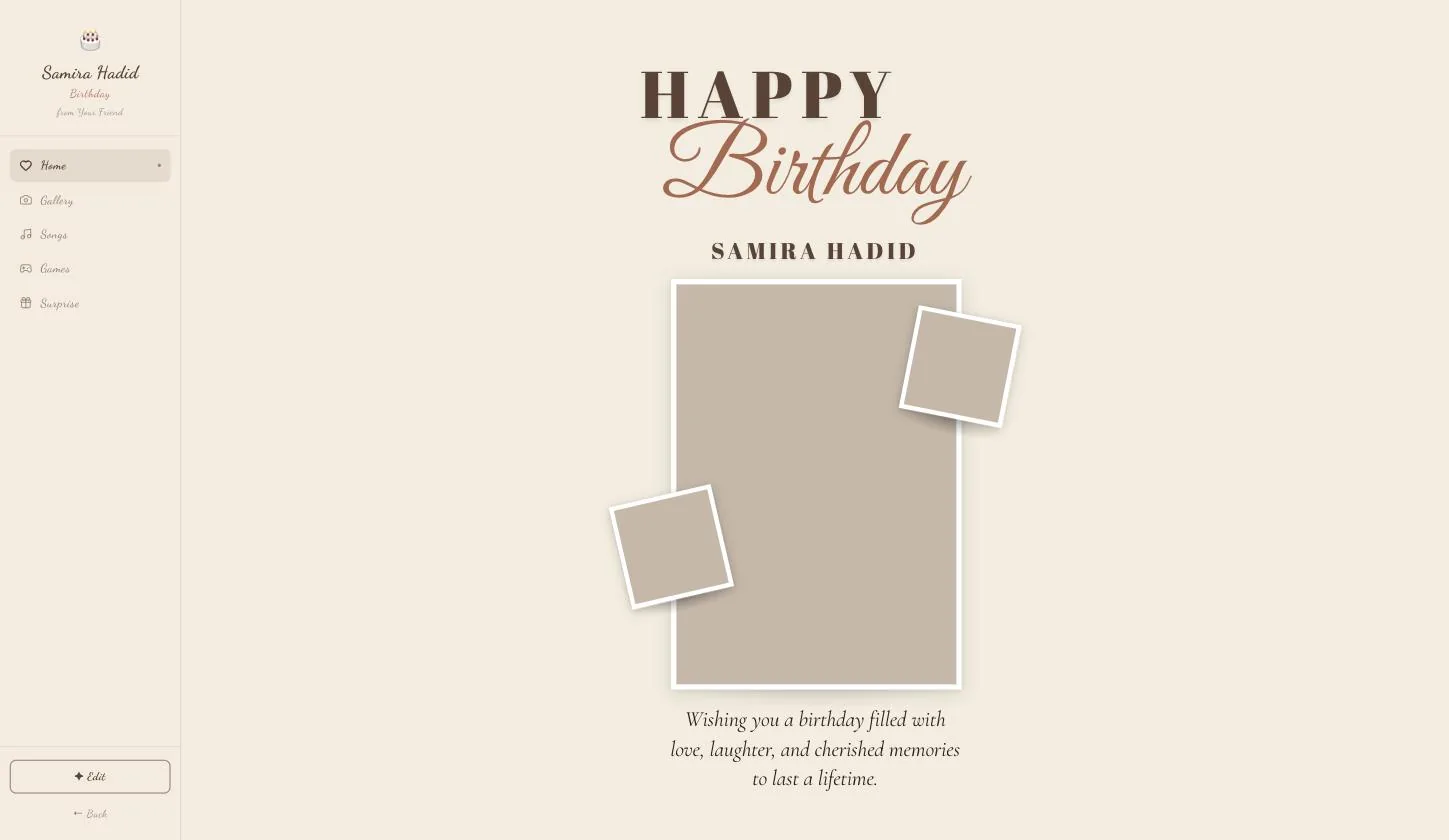
The page opens as a finished sample. Edit sits at the foot of the left rail.
Step 1.1
Press Edit, bottom-left
A dashboard rather than a card, so the controls live at the foot of the rail rather than in a top bar.
Step 1.2
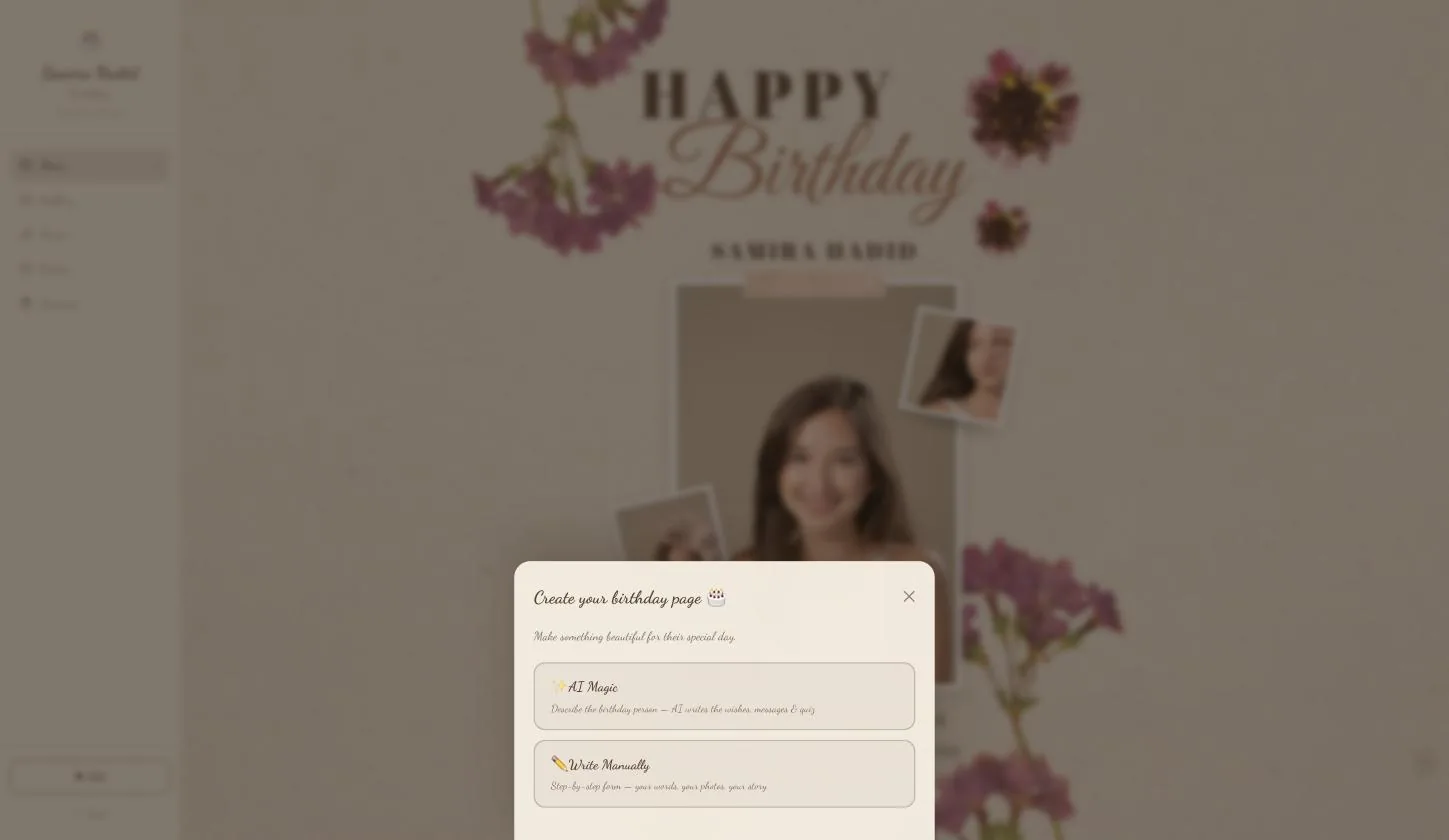
Then pick AI Magic or Write Manually
AI Magic writes the wishes, messages and quiz from a few words about her. Write Manually opens the ten-page form.
This guide and the video both take the manual path, because it is the one that shows every field. AI Magic lands you in the same ten pages with the words filled in.
Her name, your name, the birthday
Step 2.1
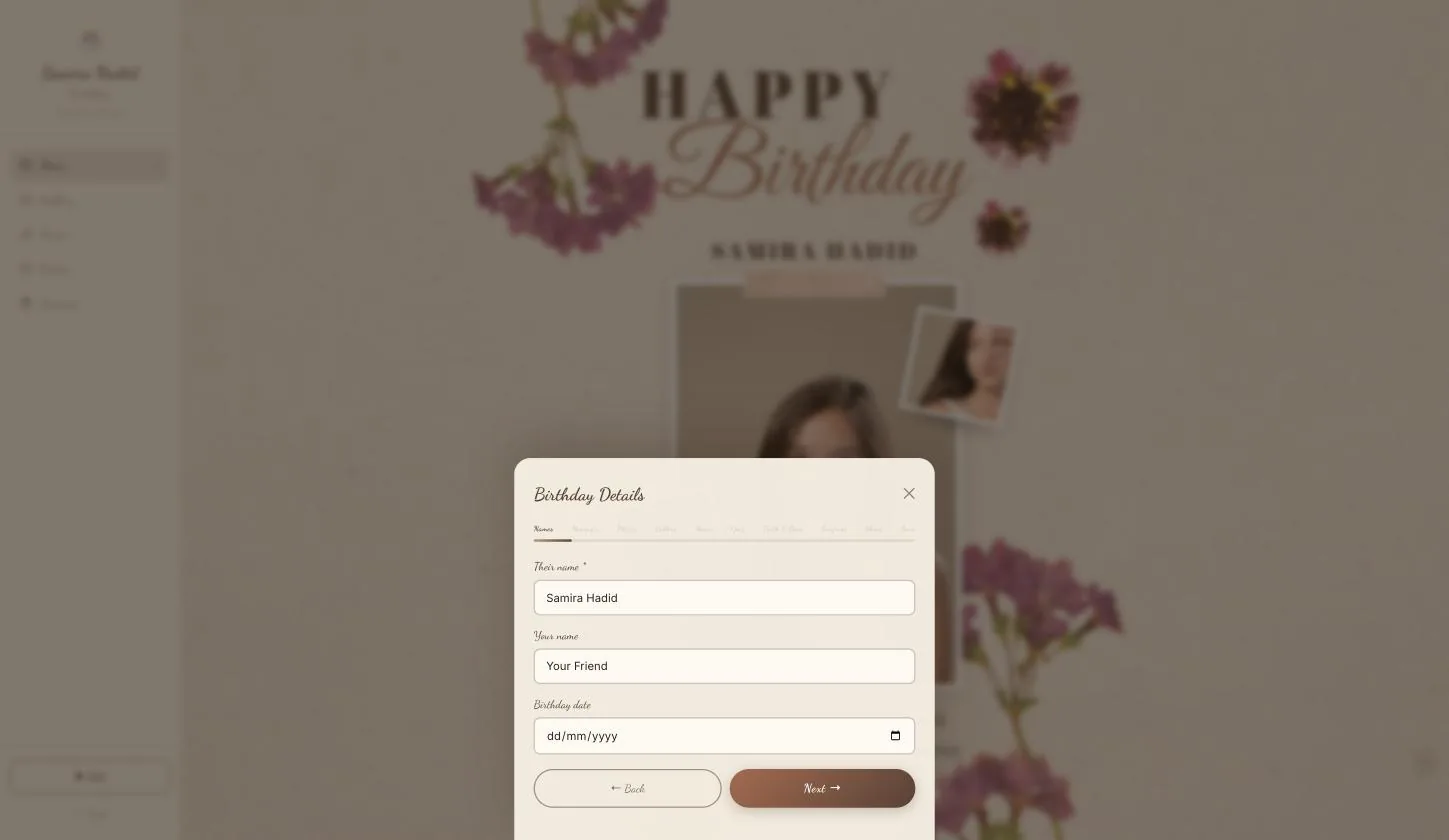
Only her name is required
It is what the page is addressed to and what the share link previews with. The birthday date is optional but worth setting — it is what makes the page a birthday page rather than a card.
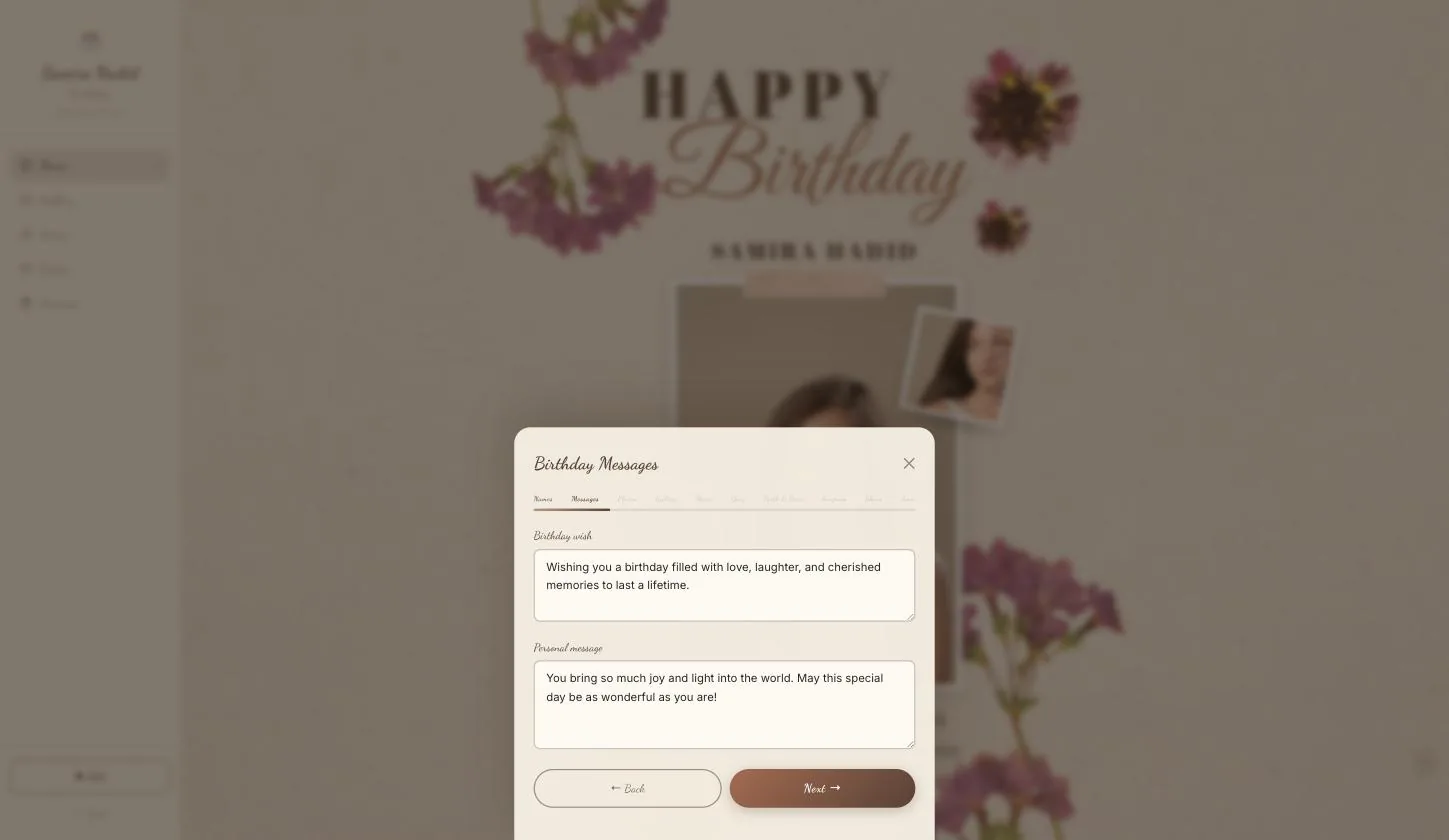
The wish and the personal message
Step 3.1
Two fields, deliberately
The birthday wish is the public one — the line anyone would be happy to read over her shoulder. The personal message is the one meant only for her. Writing the same thing twice wastes the second.
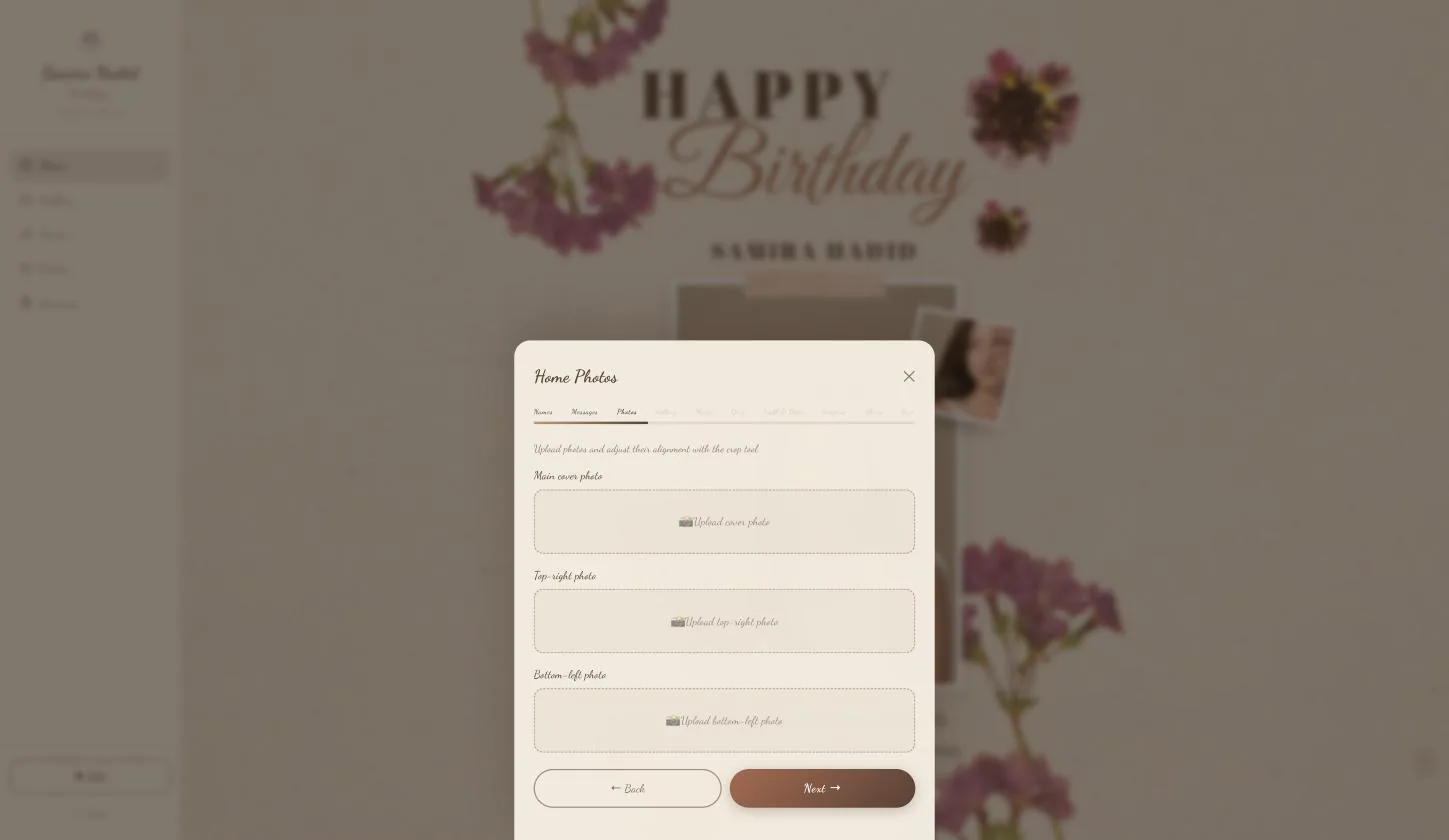
Three photos for the board
Step 4.1
Each has its own place
Main cover photo, top-right photo, bottom-left photo — named positions rather than a grid, because the board tapes them down at set angles. The cover is the large one.
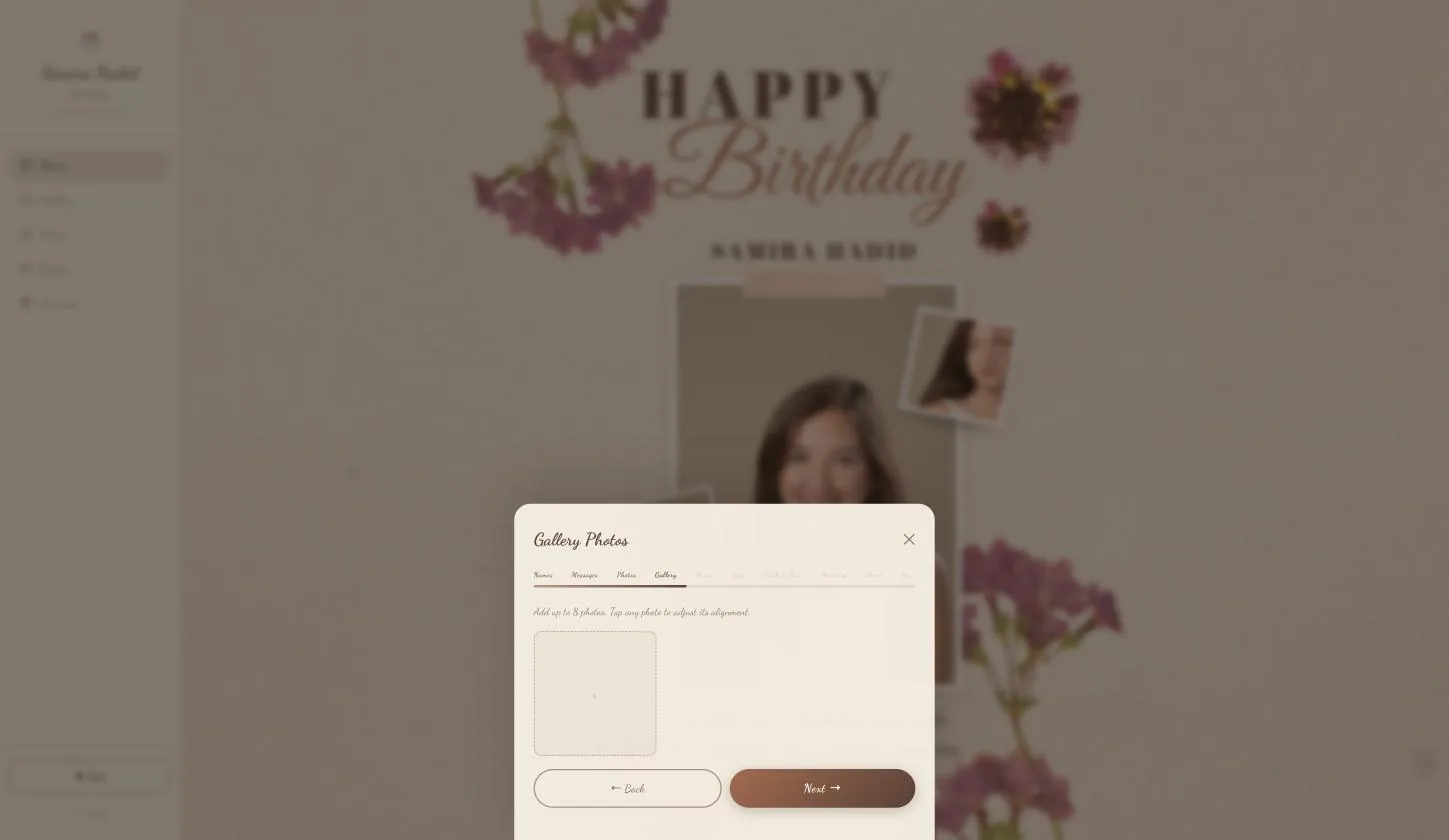
Gallery photos
Step 5.1
Up to eight more
Behind the Gallery tab. Tap any one to adjust how it sits in its frame.
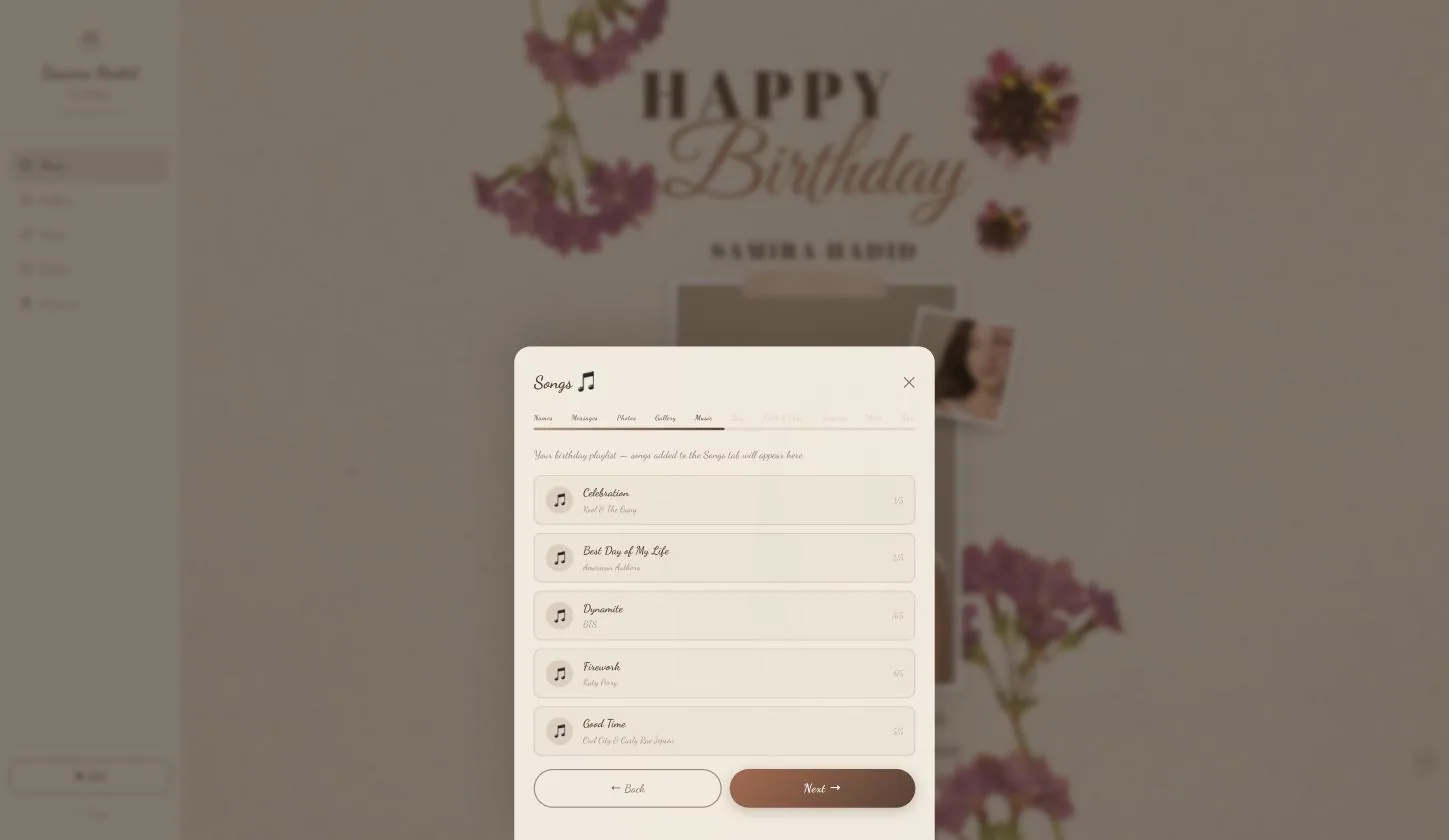
The playlist
Step 6.1
Five birthday tracks, already chosen
Celebration, Best Day of My Life, Dynamite, Firework, Good Time. They fill the Songs room, so it works without you touching this page.
Quiz questions
Step 7.1
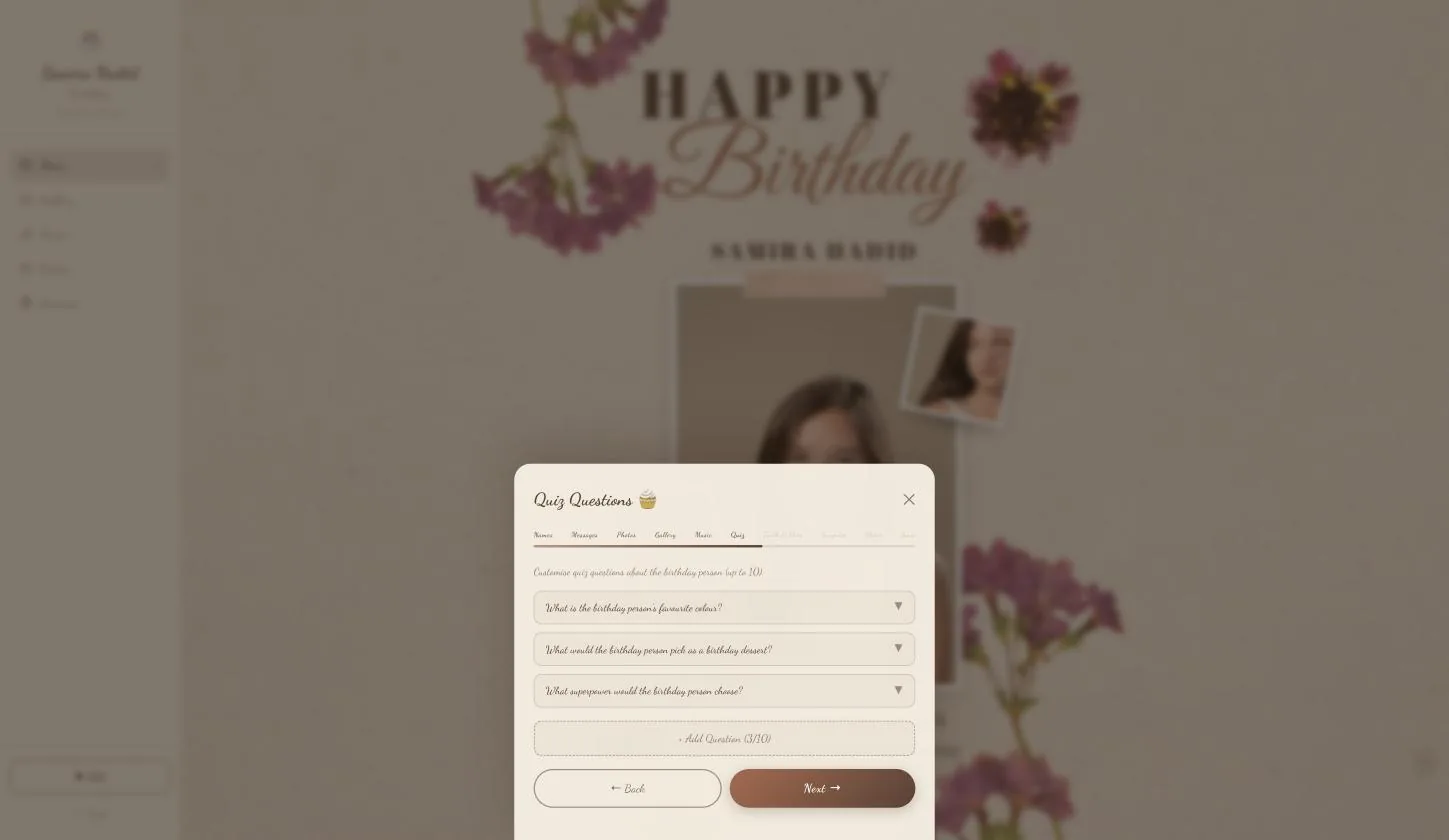
Three arrive written, up to ten
About the birthday person — her favourite colour, the dessert she would pick, the superpower she would choose. Each opens to let you set the answers.
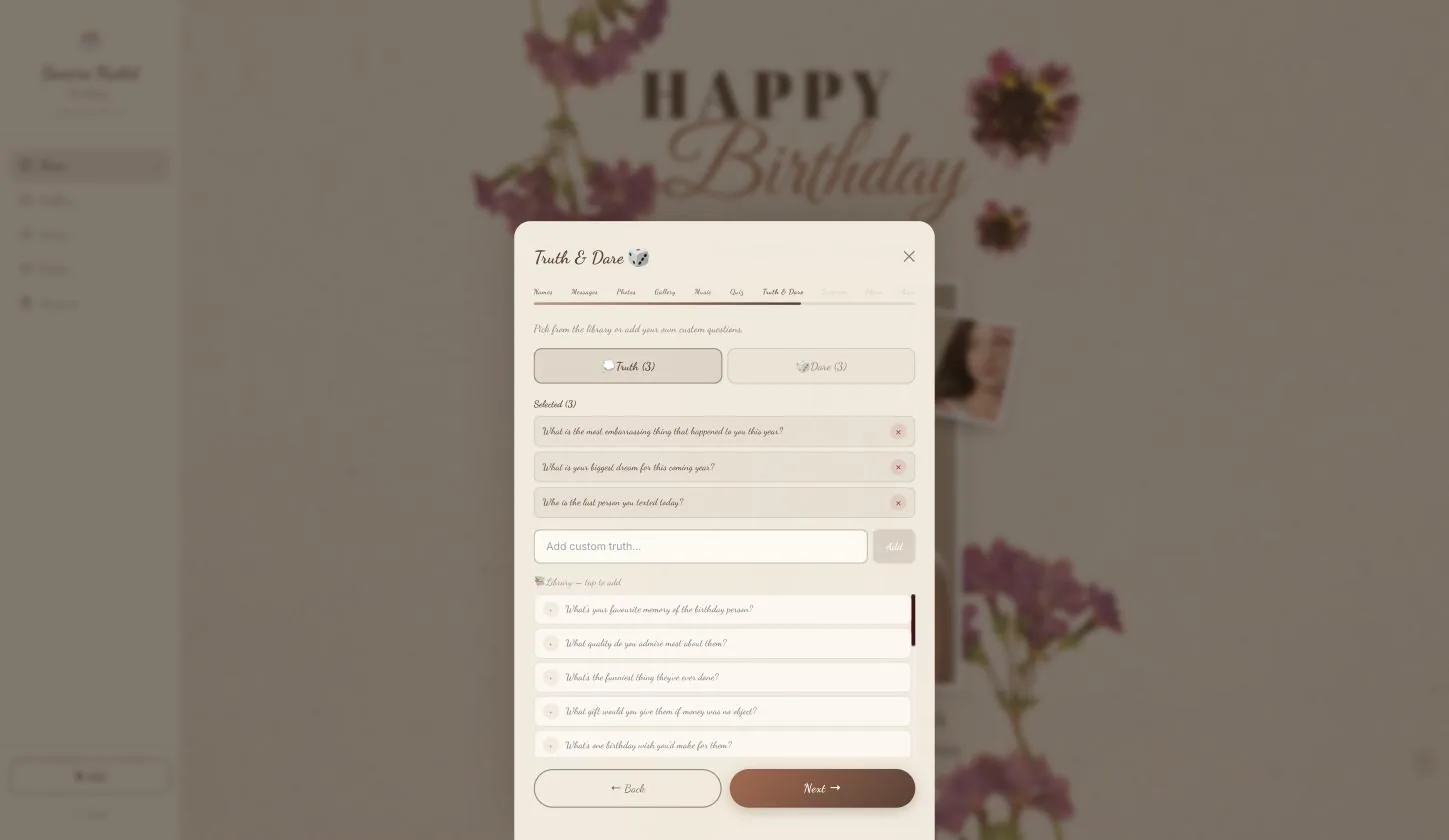
Truth & Dare
Step 8.1
Three of each already picked
Truth and Dare are separate tabs, each starting with three selected and a library below to add from. You can write your own.
The surprise card
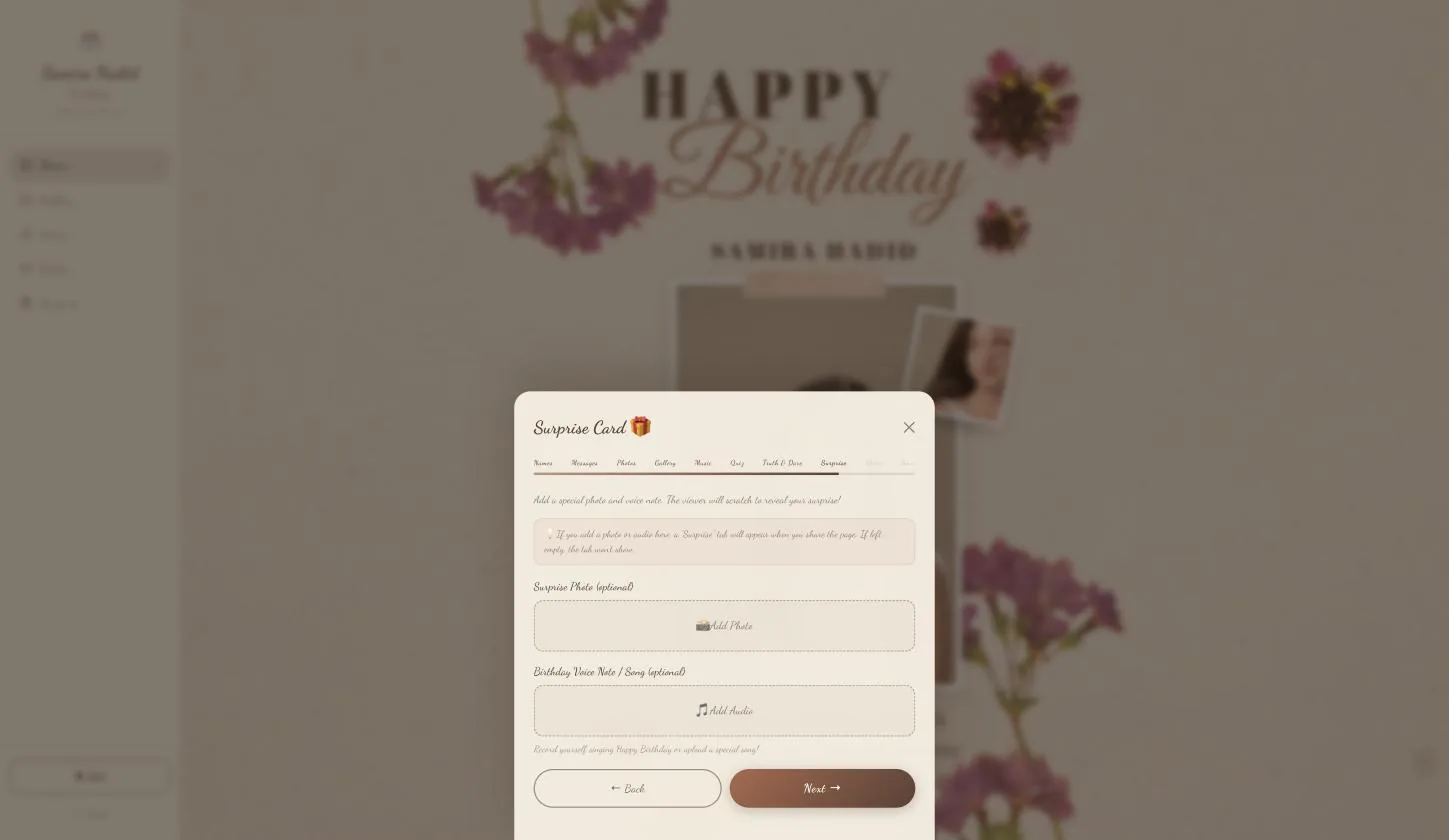
The one page here that has no equivalent on the other templates.
Step 9.1
A photo and a voice note she scratches to reveal
Add either and she gets a scratch-off card. The audio field is the interesting one — record yourself singing Happy Birthday rather than uploading a track.
Leave both empty and the Surprise tab does not appear at all — the page tells you so on this screen. So this is not a section she will find half-finished; it is either there or it is not.
The share photo
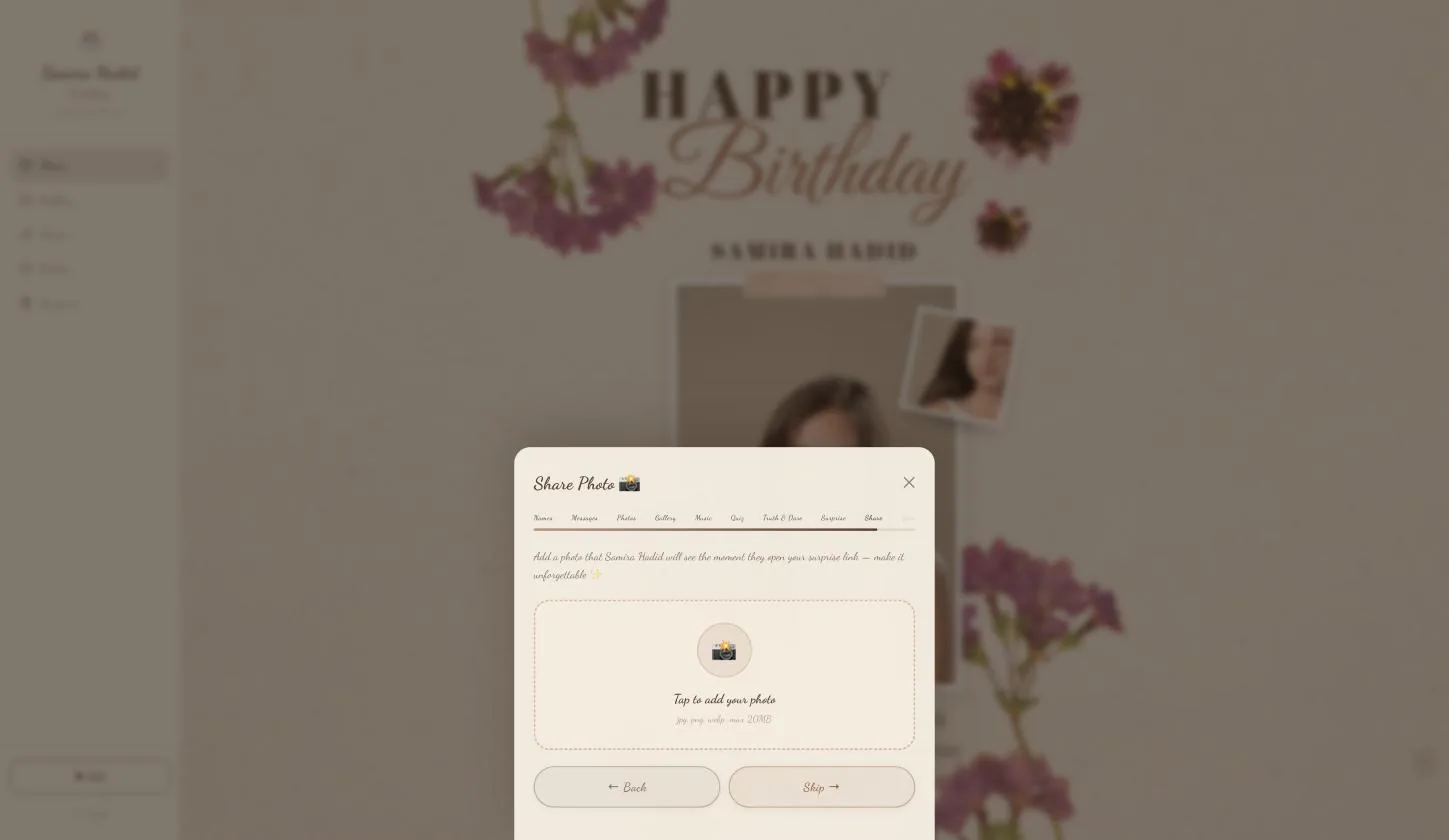
Step 10.1
The image on the link
What shows when the link is pasted into WhatsApp or Instagram. The button says Skip, which is honest — leave it and the link still works.
Save the page
Step 11.1
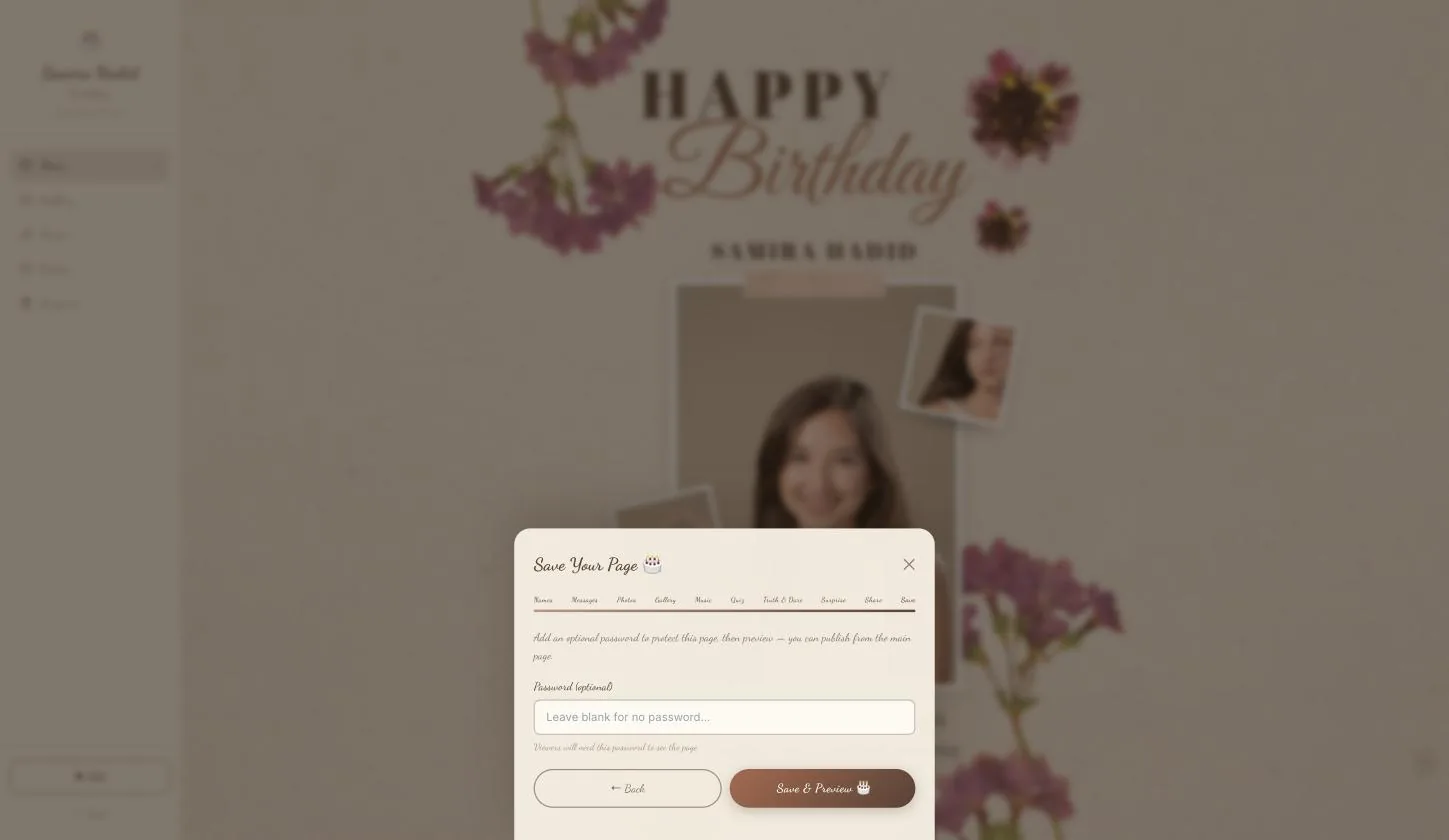
Password optional, then preview
Saving does not publish. It shows you her version first, and a Publish button then appears in the rail.
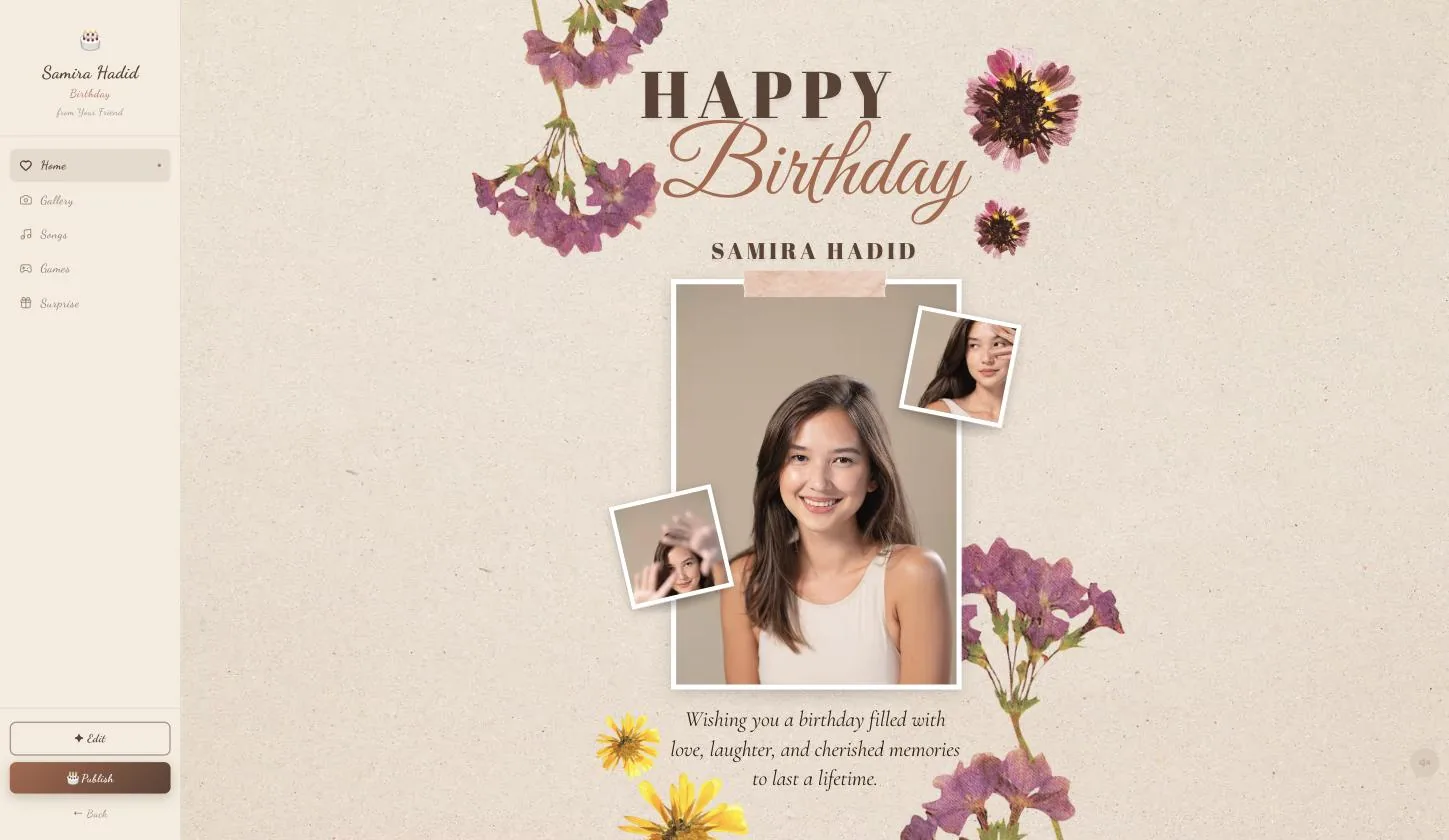
What she sees — all five rooms
The rail is her navigation. Fastest understood by watching from 00:49.
Step 12.1
Home, Gallery, Songs, Games, Surprise
Home is the board with your three photos and the wish. Gallery is the rest. Songs is the playlist. Games holds the quiz and truth-or-dare. Surprise is the scratch card — if you filled it.
Publish
Step 13.1
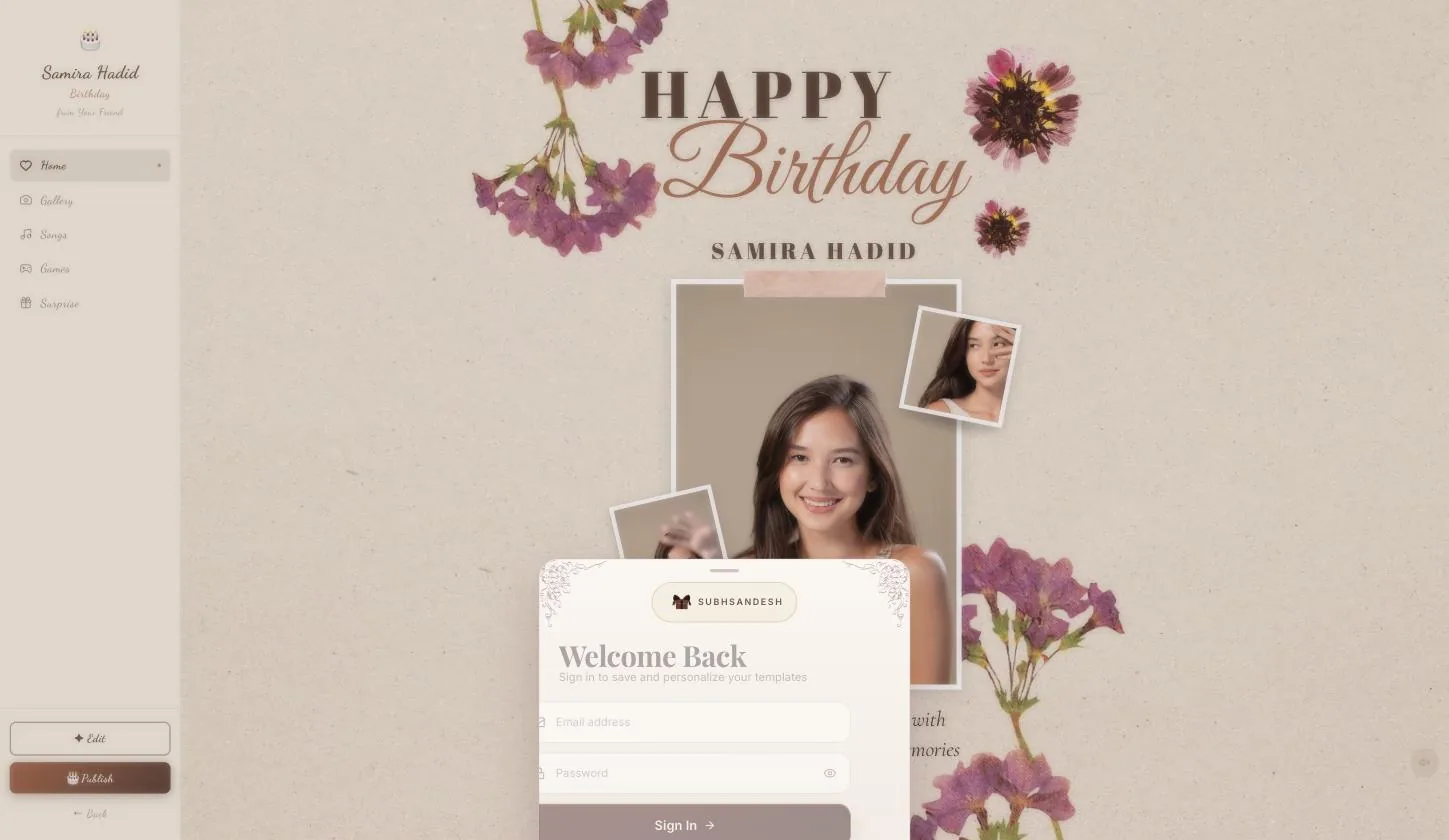
Signed out, you sign in here
The page publishes immediately afterwards — nothing you filled in is asked for twice.
On a phone the Google button is a full-page redirect. Let it come back on its own; closing the tab part-way means the publish never completes.
Your turn
About 12 minutes, and it is done.
You do not need an account to start — you are asked to sign in once, at the moment you publish.
Open Birthday PageQuestions
What people ask about this one
Why has the Surprise tab not appeared on my page?
Because the surprise card is empty. The tab only shows if you added a photo or a voice note to it — the builder says so on that page. Go back to Edit → Surprise and add either one.
Can I record my own voice instead of uploading a song?
Yes, and that is what the field is for. Record yourself singing Happy Birthday and it goes behind the scratch card.
How many photos in total?
Eleven. Three are placed on the board — cover, top-right, bottom-left — and up to eight more go into the gallery.
Can I change the playlist?
The five birthday tracks are chosen for you and fill the Songs room. They are what makes that room work without any effort from you.
How long does the whole thing take?
About twelve minutes with the photos ready. It has more pages than the other templates — the quiz answers and the surprise card are where the time goes.
Keep going
Other guides
From the blog
Related reading
Written around the same occasion, if you want the words before the build.
Milestone Birthdays
Virtual Gift for Boyfriend Birthday: What to Send, and When
A virtual gift for a boyfriend's birthday is a page you build and send as a link. 352 partner birthday pages,…
Milestone Birthdays
Digital Birthday Gift for Girlfriend: Which Page to Build
A digital birthday gift for a girlfriend works only when it is anchored to the date. 352 partner birthday page…
Milestone Birthdays
Birthday Website for Girlfriend: Four Routes, One Deadline
Four routes to a birthday website for a girlfriend — writing the code, an AI builder, a bought template, a rea…