
💐 Product guide
Design a bouquet — twelve blooms, each one meaning something
The shortest build on the site, and the only one that is not a dashboard. You pick six to ten blooms from twelve that each carry a meaning, shuffle the arrangement until it looks right, write the card, and optionally attach a Deed of Devotion — a mock contract of clauses you are signing up to. She taps once to unwrap it.
Watch
The whole build, end to end
This recording has no voiceover — every action is labelled on screen as it happens. Click a chapter to jump the video there. To read that step instead, use the ↓ beside it — the written walkthrough is below.
Step by step
The written walkthrough
Everything the video covers, in a form you can search, scan and keep open in another tab.
Open the builder
This one is not a dashboard. There is no rail and there are no rooms — the whole thing is one bouquet, and the builder is four steps.
Step 1.1
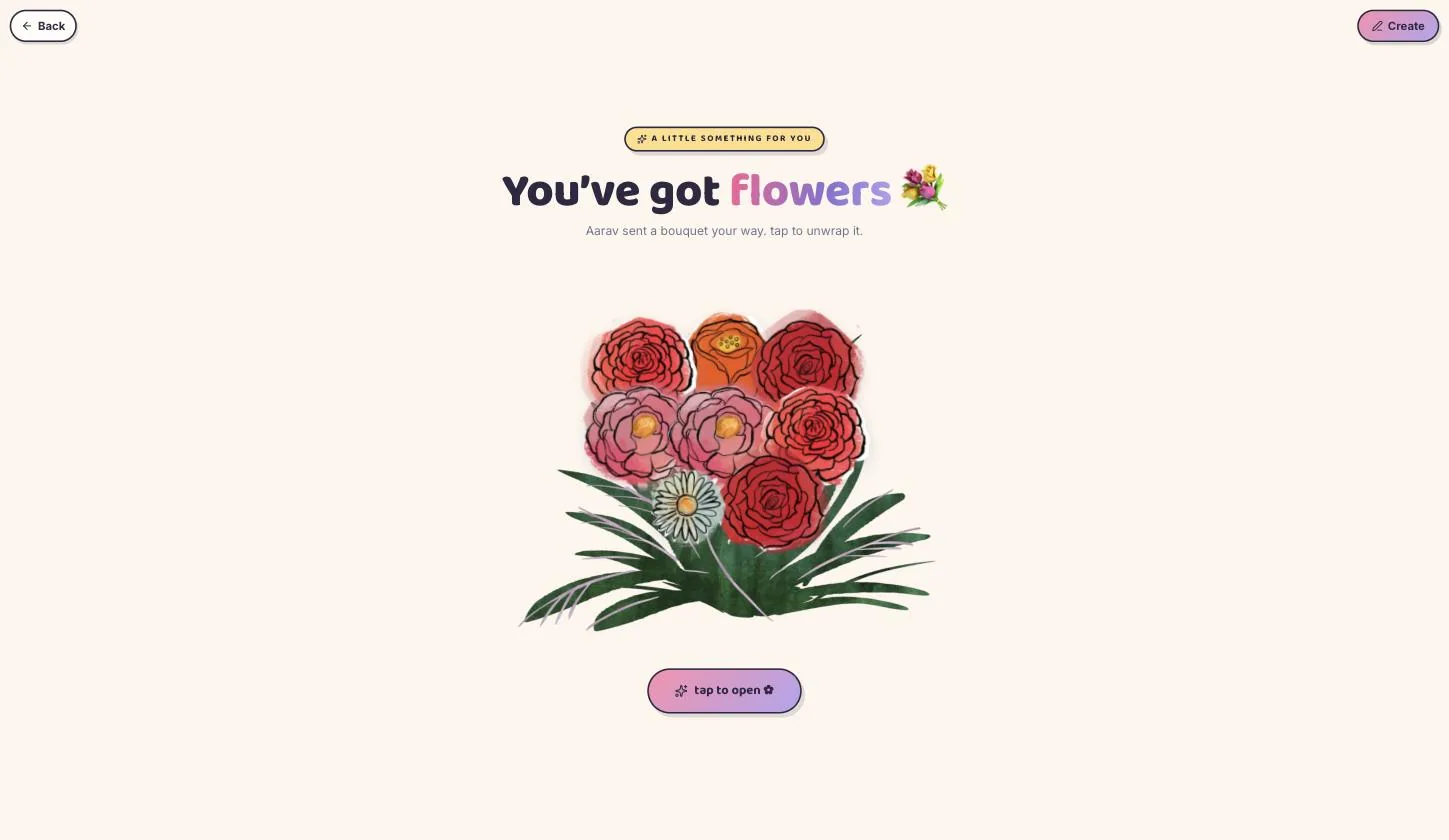
Press Create, top-right
Note the difference from the other templates: Create sits in the top bar here, not Edit at the foot of a rail, because there is no rail to put it in.
Step 1.2
There is no AI option, and it does not need one
The other templates offer to write your messages. This one goes straight to picking flowers — there is only one piece of writing in the whole build, and it is the card.
Pick your blooms
Step 2.1
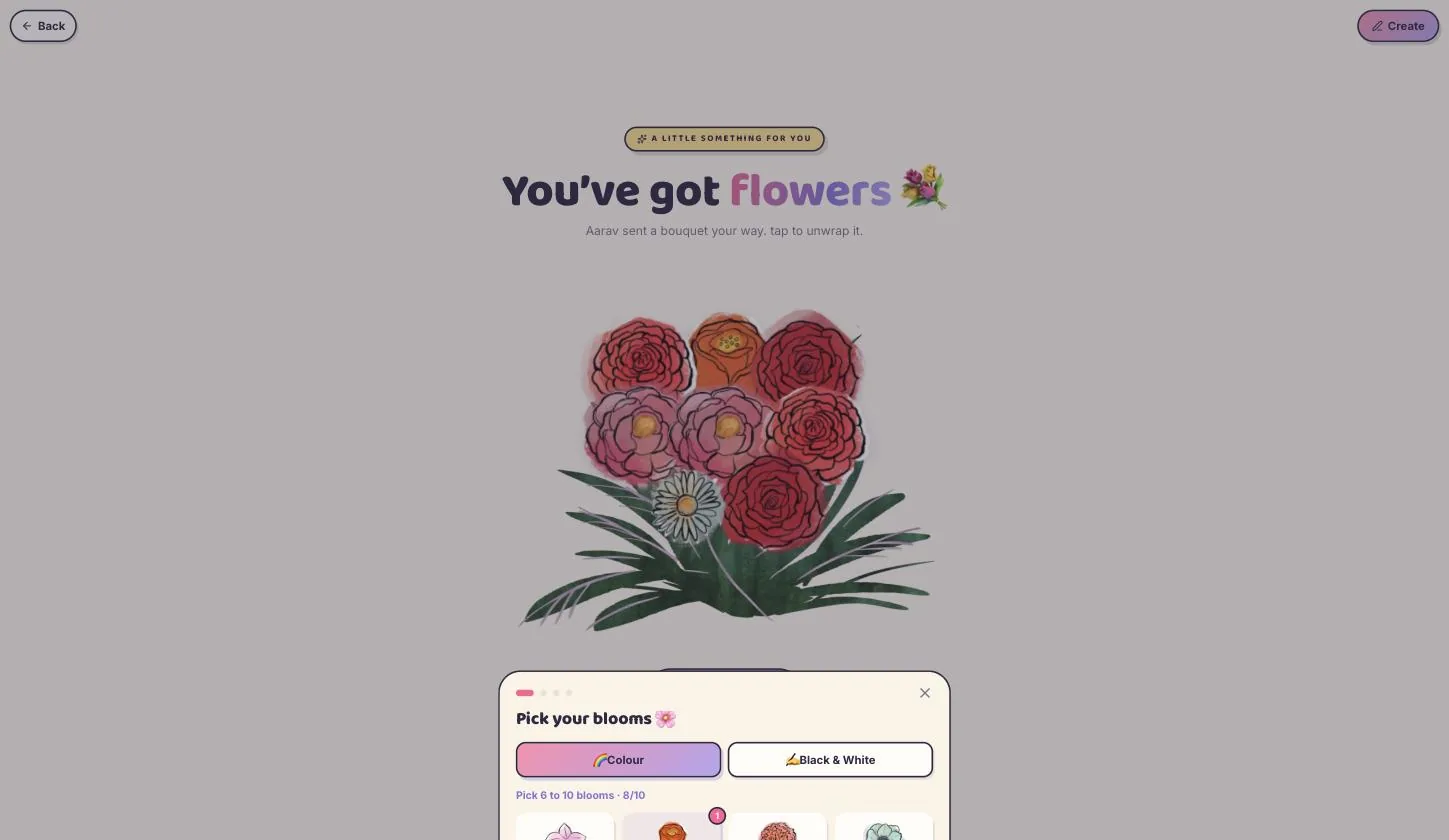
Six to ten, from twelve
Tap to add, tap the minus to remove. The counter at the top holds you between six and ten — fewer looks sparse, more stops reading as a bouquet.
Step 2.2
Every flower carries a meaning
Rose is love and passion, tulip is perfect love, peony is romance, sunflower is adoration, lily is purity, daisy is innocence, orchid is beauty, dahlia is elegance, anemone is anticipation, carnation is fascination, zinnia is lasting affection, ranunculus is radiant charm. They are printed under each one, and she sees them too.
This is the whole point of the template, and the easiest thing to skip past. Picking by meaning rather than by colour is what makes the bouquet say something.
Step 2.3
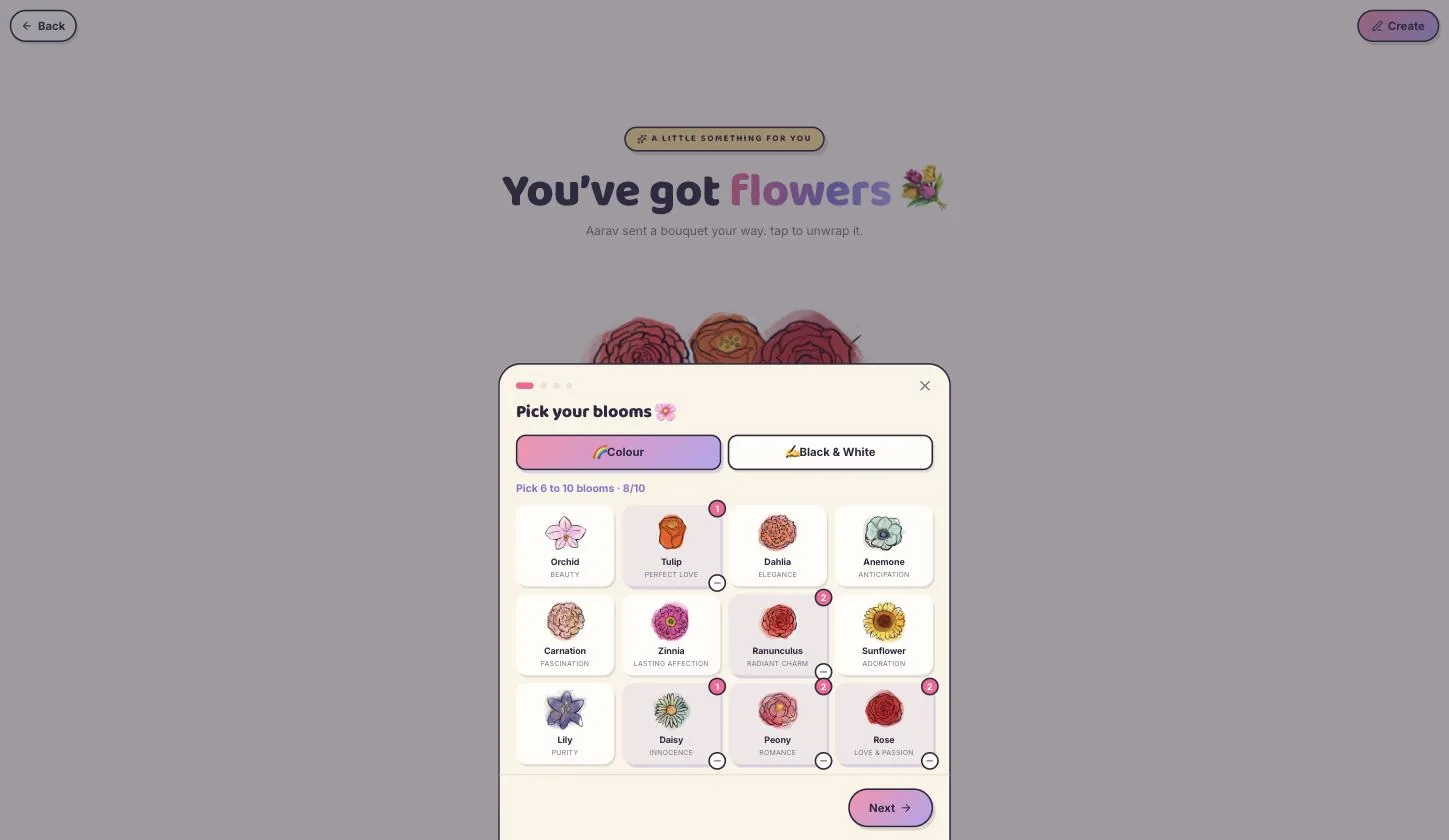
Colour or black & white
Black and white renders the same blooms as ink drawings. Worth a look before you settle — it reads as older and quieter.
Style the arrangement
Step 3.1
Shuffle until it sits right
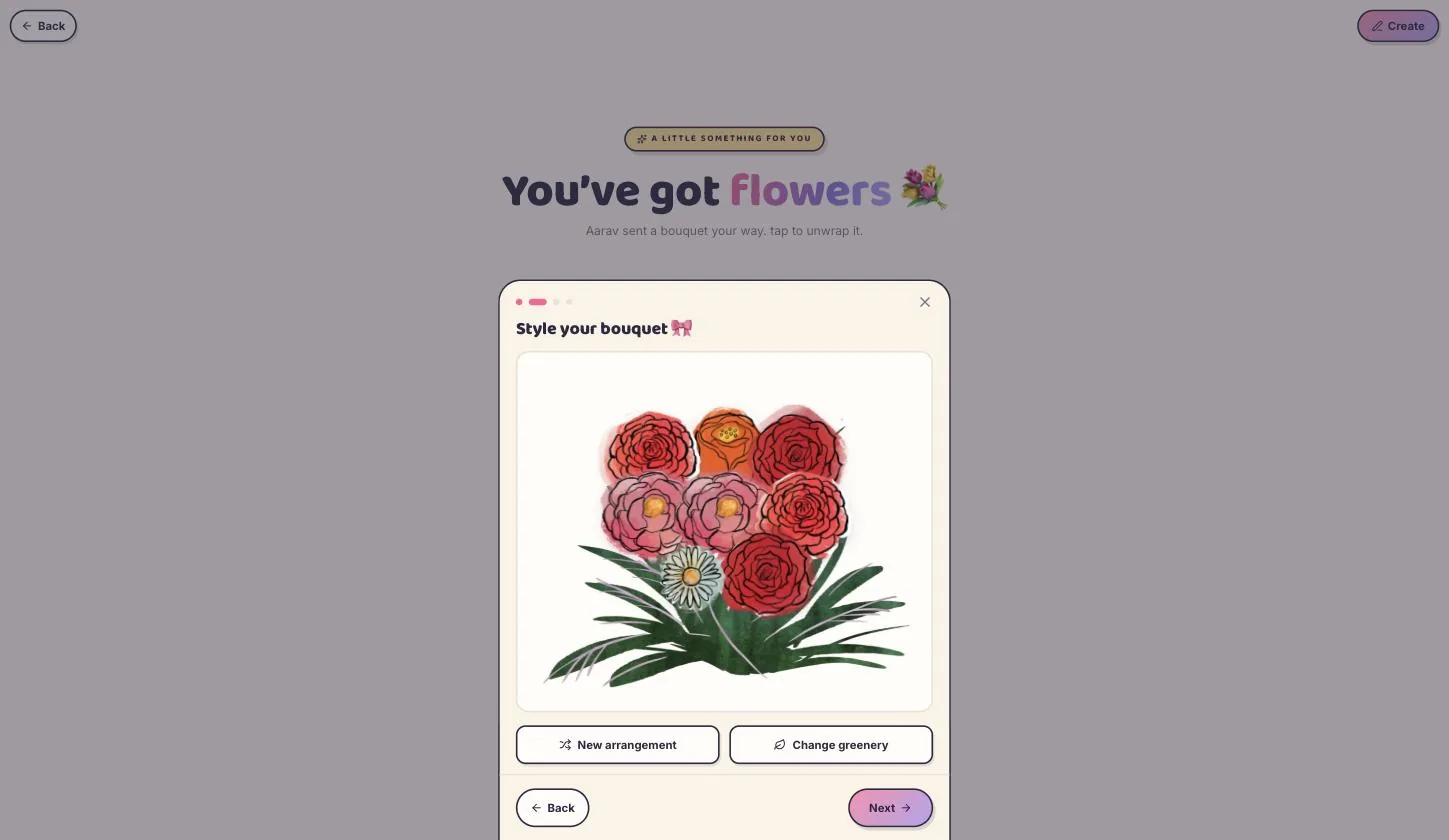
New arrangement re-lays the same flowers; Change greenery swaps the leaves behind them. You are not placing stems by hand — you are re-rolling until one looks good.
Write the card
Step 4.1
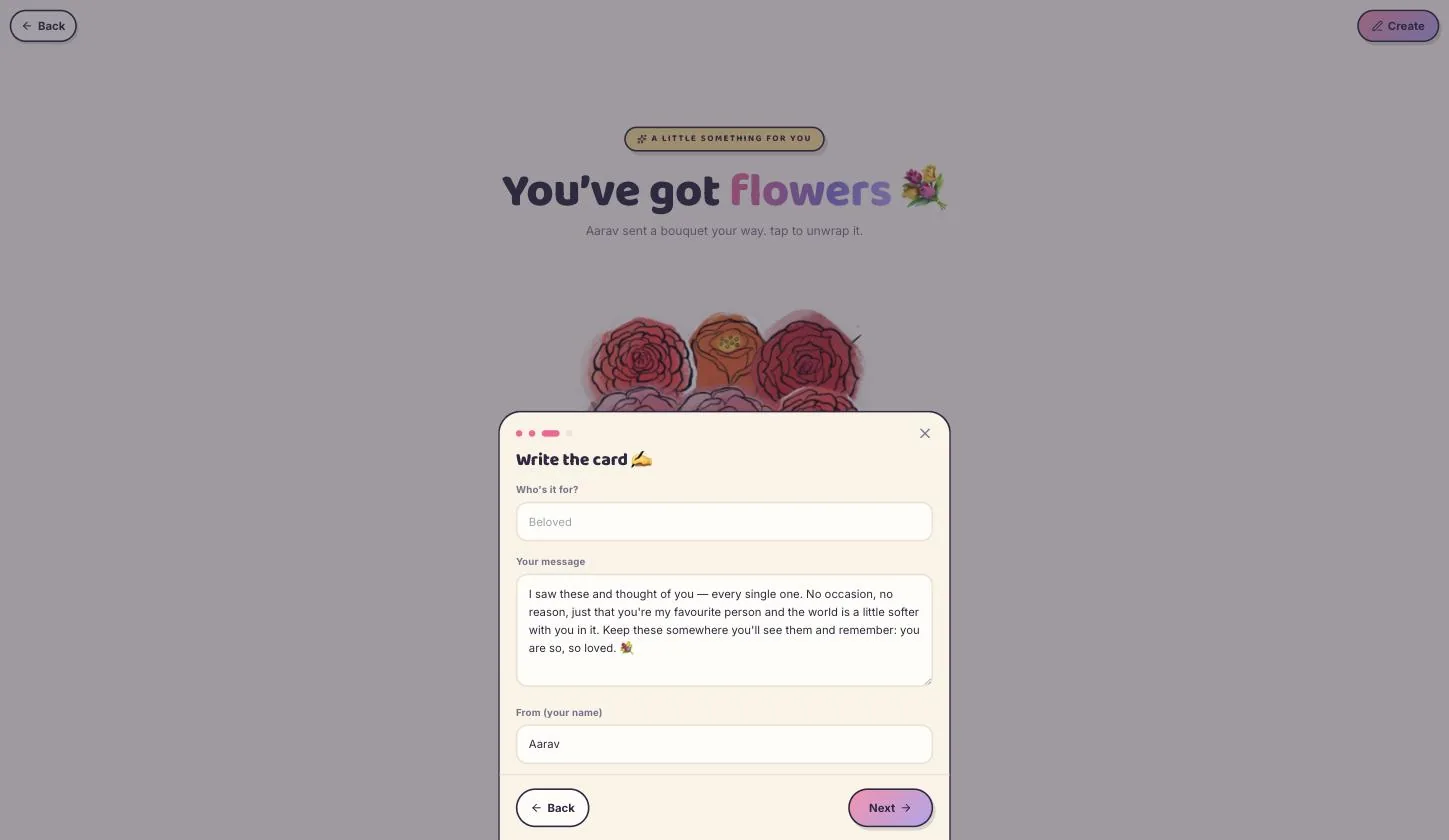
Who it is for, what you want to say, and from
The only writing in the build. It arrives with a message already in it, which is a fine skeleton but says nothing only you would say.
The Deed of Devotion
Step 5.1
A mock contract, and it can be switched off
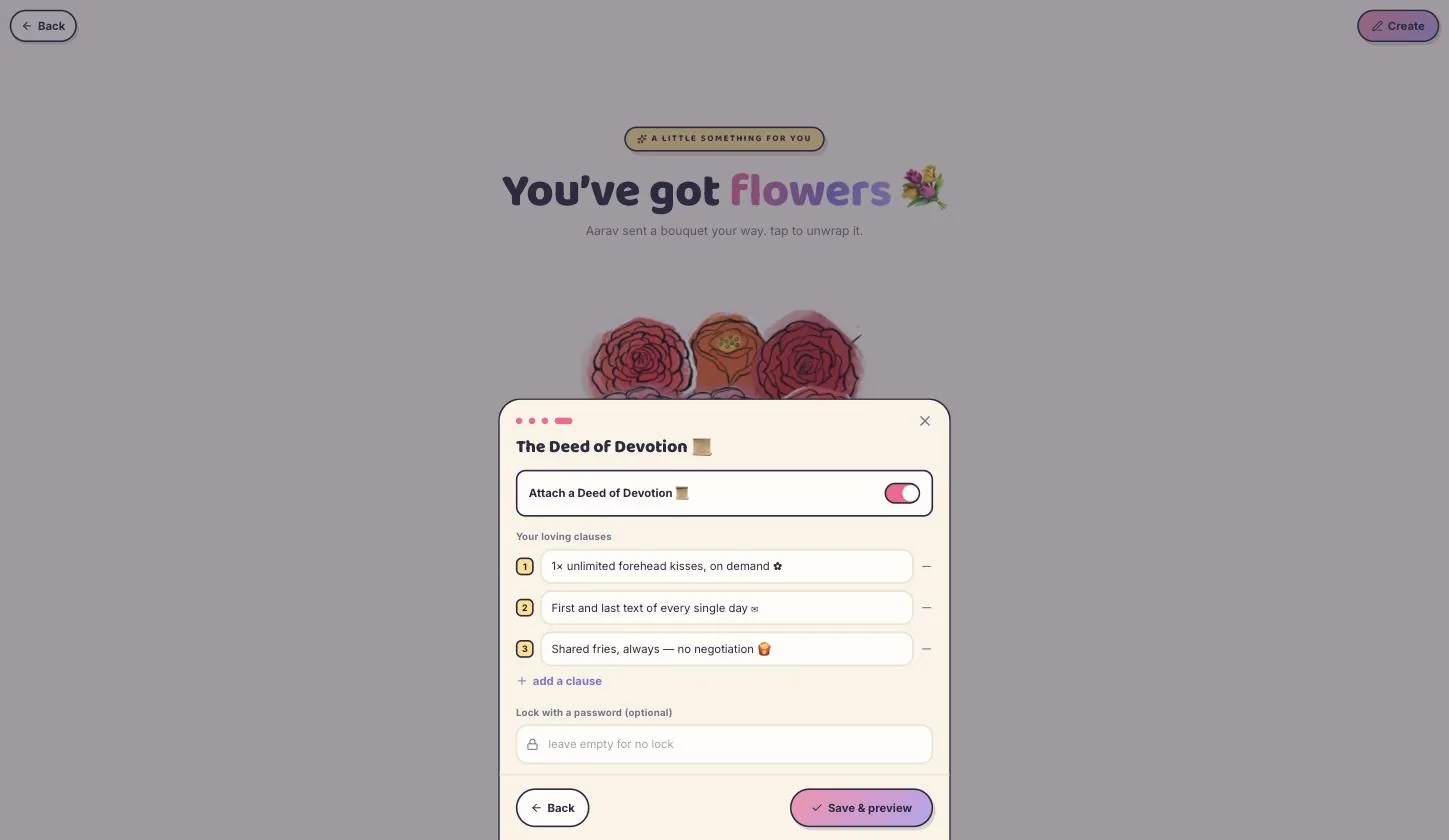
Numbered clauses in the register of a legal deed — “1× unlimited forehead kisses, on demand”, “first and last text of every single day”, “shared fries, always — no negotiation”. Add your own, or toggle the whole thing off if it is not your tone.
The clauses work when they are small and specific. A clause that promises to love her forever is not funny and not a promise; one about fries is both.
Step 5.2
Password, if you want one
Optional, on this same page. Set it and only someone with the word can open the bouquet.
Save it
Step 6.1
Save & preview
Shows you the finished bouquet before anything is published, and the top bar changes to Edit and Send it.
What she actually sees
Step 7.1
One tap, and it unwraps
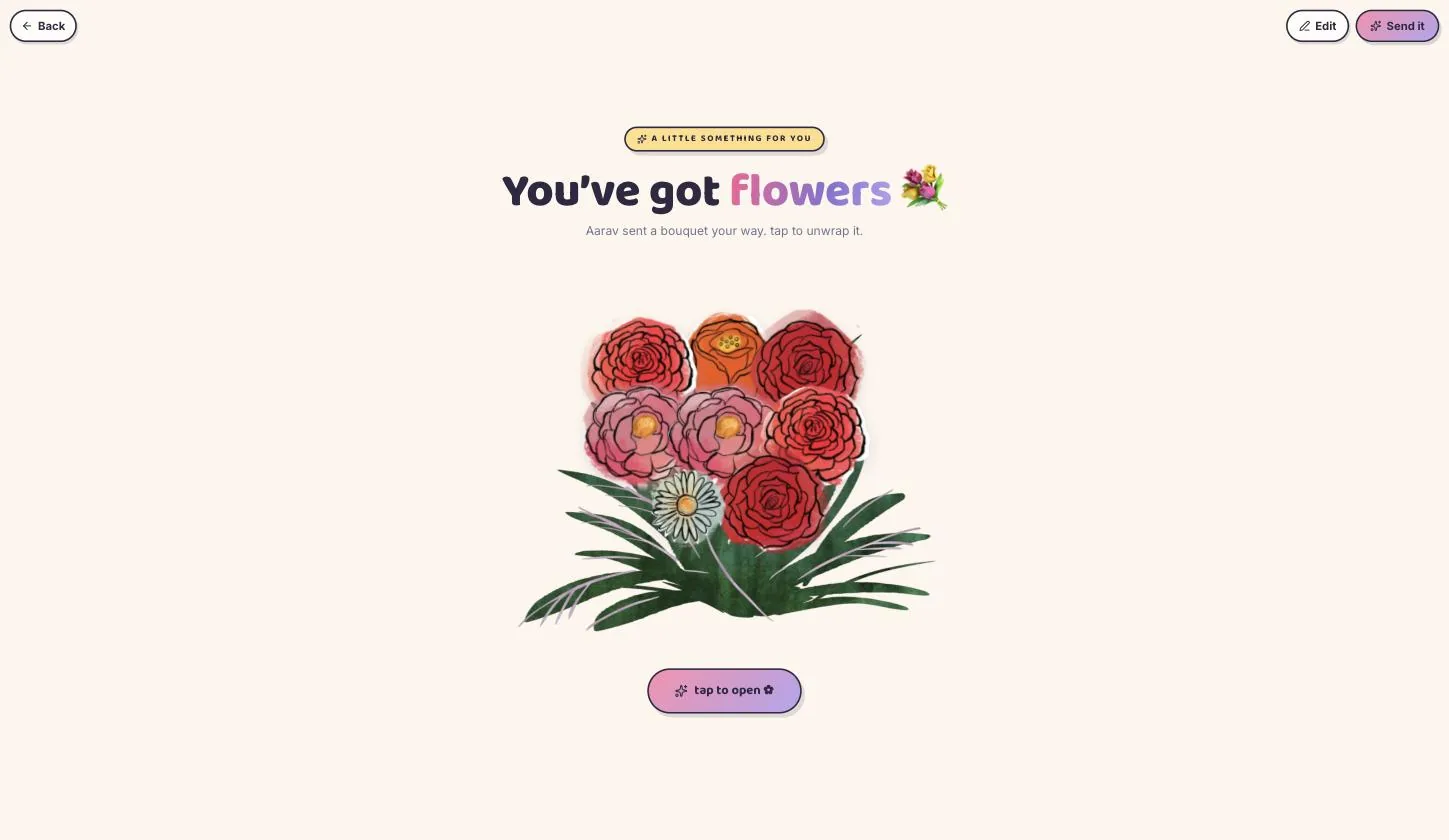
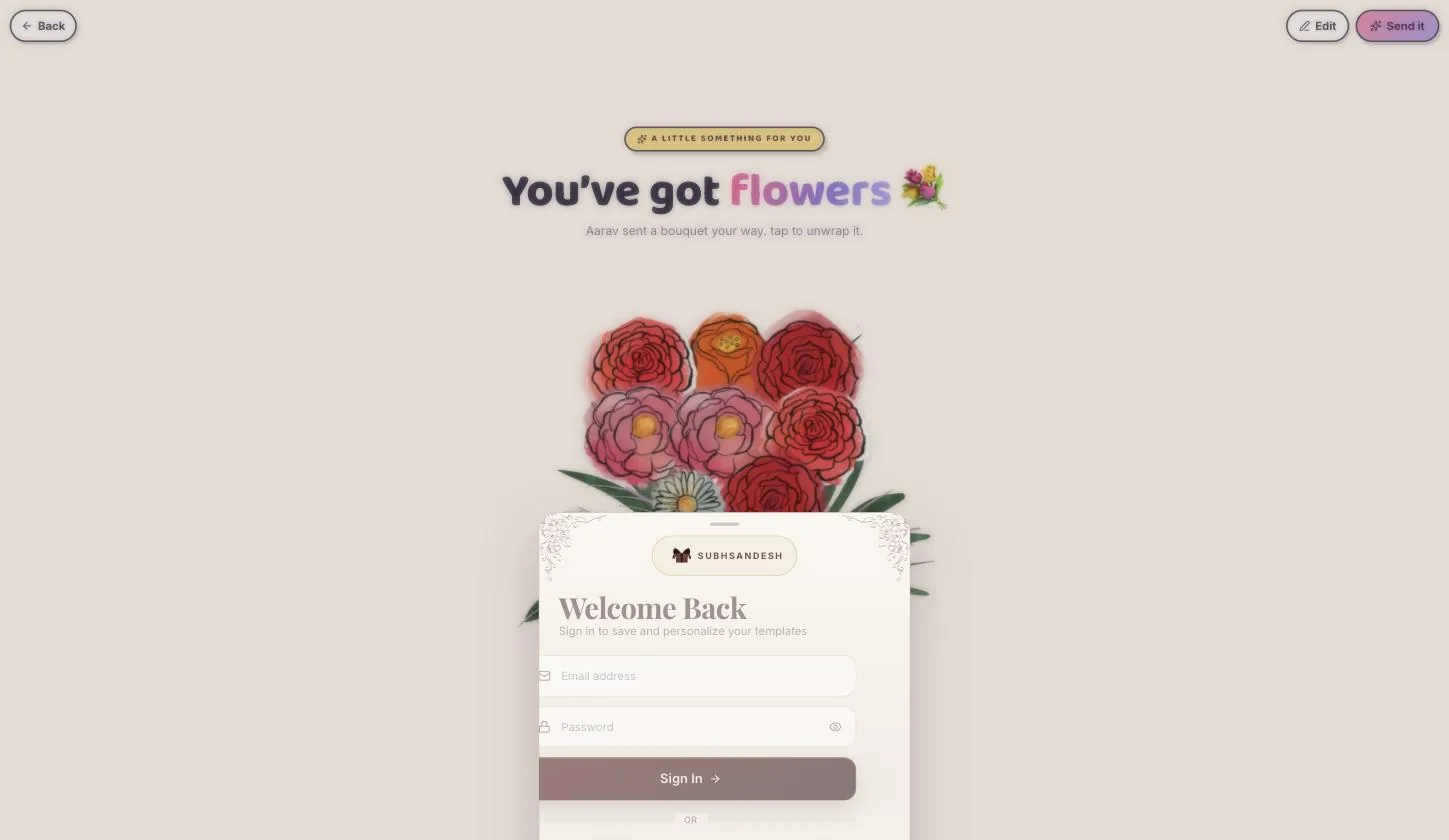
She gets the wrapped bouquet with your name on it and a single tap to open. Then the flowers, their meanings, your card, and the deed if you attached one. No rooms, no navigation — it is over in a minute, and that is the point of it.
Publish
Step 8.1
Send it, and sign in if you are signed out
The bouquet publishes immediately afterwards. Nothing you built is asked for twice.
Your turn
About 3 minutes, and it is done.
You do not need an account to start — you are asked to sign in once, at the moment you publish.
Open BouquetQuestions
What people ask about this one
Why is this so much shorter than the other guides?
Because the template is. Bouquet is four steps and about three minutes; the Darling, Love Page and Birthday templates are nine or ten wizard pages and around ten. If you want something to arrive today rather than something she explores for twenty minutes, this is the one.
Do the flower meanings actually show on her page?
Yes. They are printed under each bloom in the builder and she sees them too, which is why picking by meaning is worth the extra minute.
Can I arrange the flowers myself?
Not stem by stem. New arrangement re-lays the ones you picked and Change greenery swaps the foliage — you re-roll until one looks right rather than placing anything by hand.
What is the Deed of Devotion, and can I leave it out?
A mock contract of small promises, written in legal register for the joke. It is a toggle on the last step — switch it off and the bouquet arrives with just the card.
Is there an AI option like the other templates?
No, and it would have little to do. The only writing in the whole build is the card, and it already arrives with a draft in it.
Keep going
Other guides
From the blog
Related reading
Written around the same occasion, if you want the words before the build.
Virtual Bouquets
Virtual Rose Day Gift for Girlfriend: What to Send on 7 Feb
A virtual Rose Day gift for a girlfriend is a page you build in minutes and send as one link on 7 February. Fi…
Modern Romance
Online Valentine Gift for Girlfriend: Beating the Default Bouquet
Valentine's Day 2027 is Sunday 14 February. An online gift for a girlfriend is judged on visible effort: 40.6%…
Digital Gifts & Romance
What to Gift for Wife on Anniversary, and What Actually Lasts
Two gifts, not one: something she can reopen and something she can hold. Six anniversary gifts for a wife rank…